Mixer DJ2.0
Publisher Description
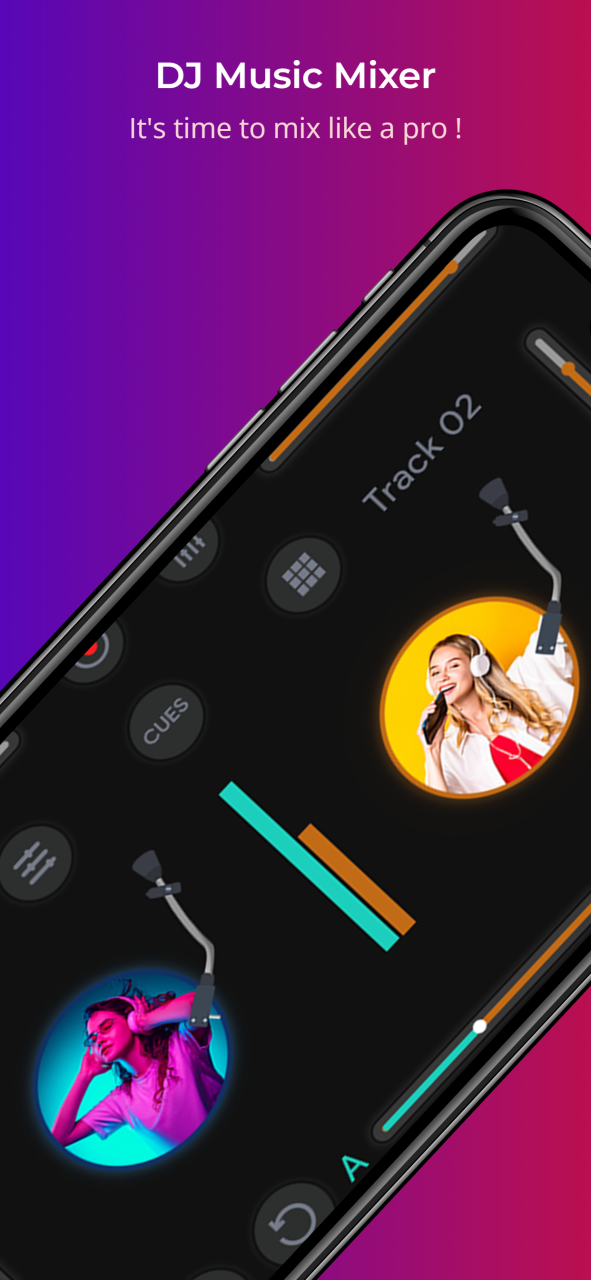
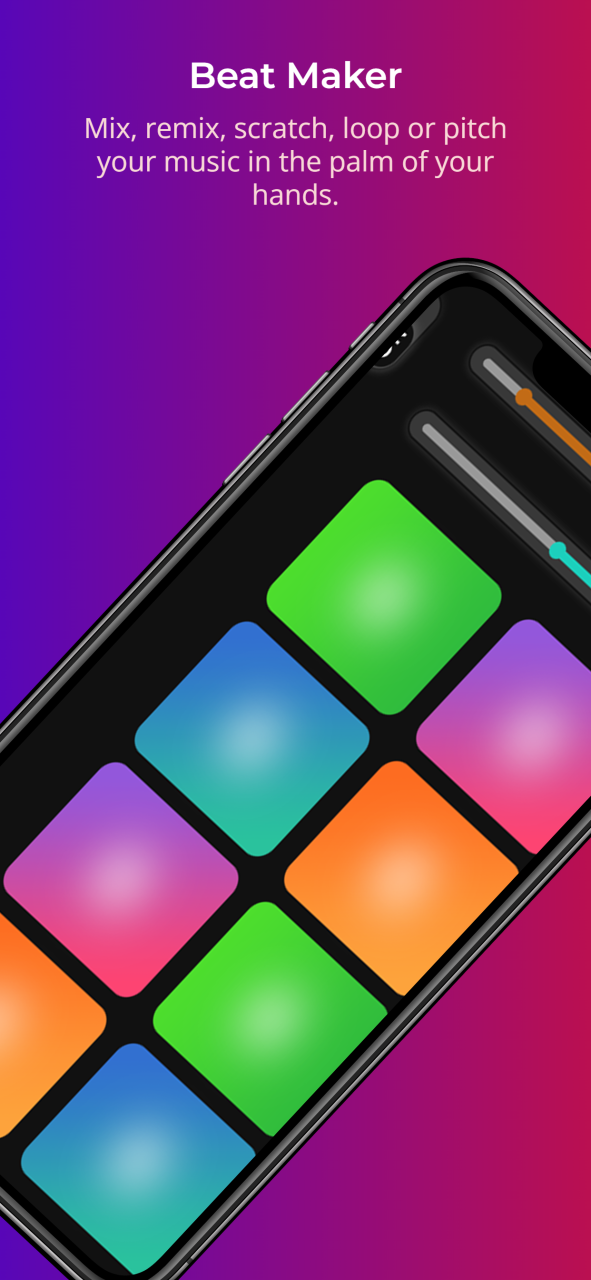
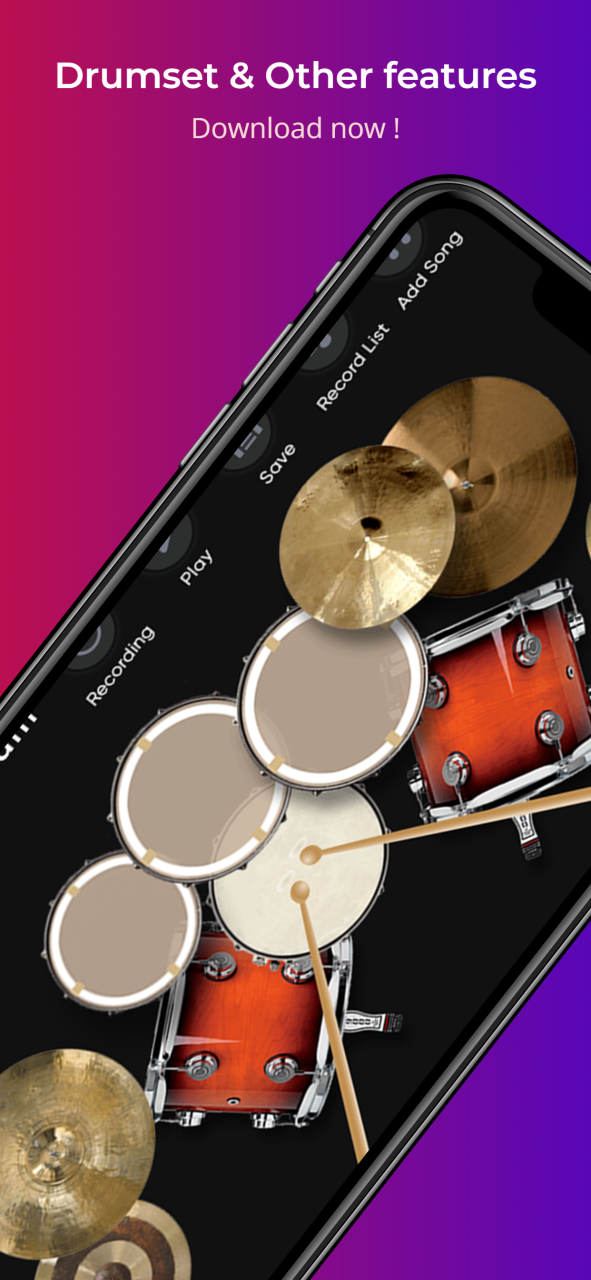
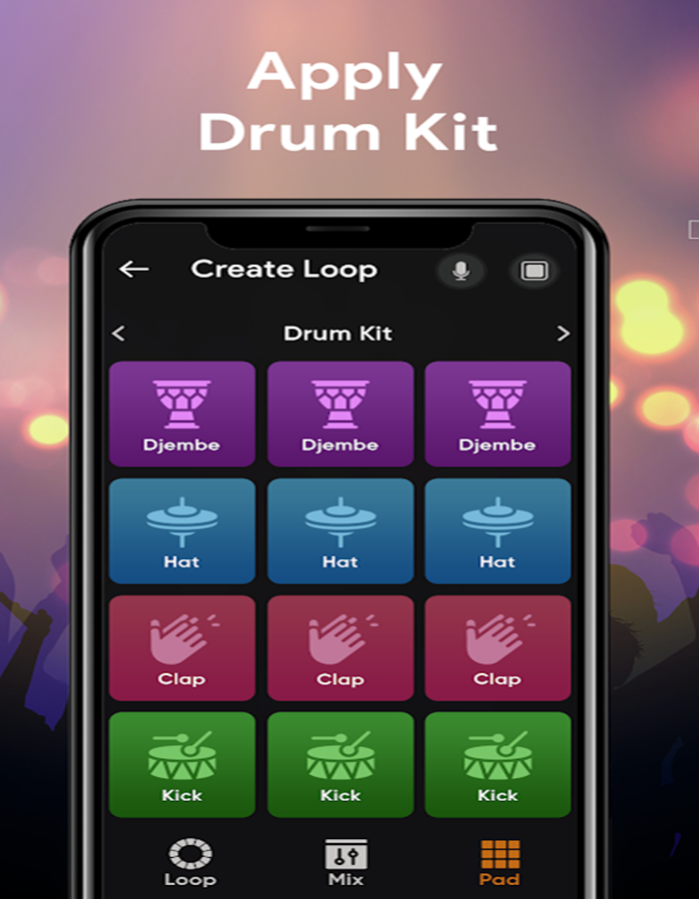
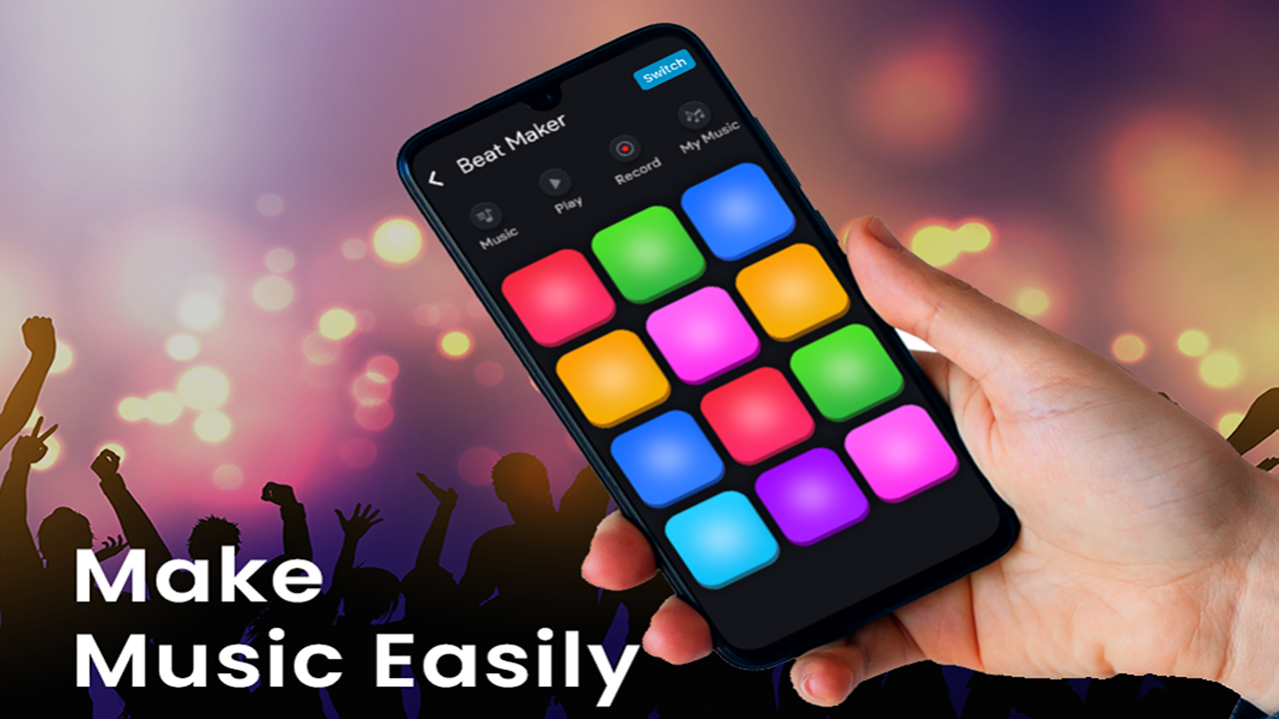
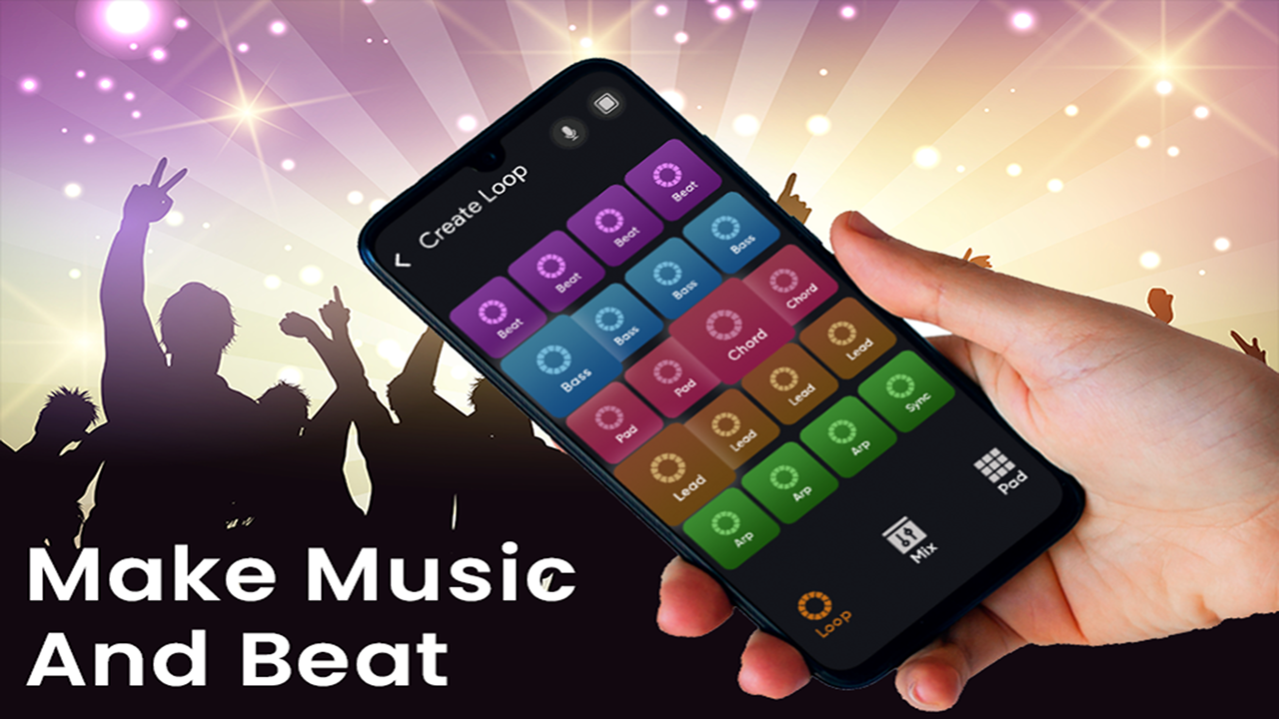
Welcome to an unparalleled Beat Maker & DJ mobile music mixing experience. It's time to put on your headphones and discover a master DJ mixing experience and lessons that will help you learn to mix like a pro! DJ Music Mixer - Music & Beat Maker integrates a complete DJ kit into your mobile phone. All without sacrificing a single music mixing function. Just imagine! At your fingertips, you can create songs and remix tracks like a pro, except instead of a huge kit, all you need is a tiny smartphone! Our Music & Beat Maker app will teach you how to make your own songs and play different music tracks. Simply choose your favorite genres and hit the pads to make beats and create music! Experiment, mix styles, create amazing melodies, and master your beat-making skills step-by-step with Groovepad. DJ Music Mixer - Music & Beat Maker is a free, robust and powerful virtual turntable for DJs that allows you to mix, remix, scratch, loop or pitch your music in the palm of your hands. Designed to be user-friendly, social and responsive, you now have the keys to mix your music and rule the party.
About Mixer DJ
The company that develops Mixer DJ is FZ Dev. The latest version released by its developer is 2.0.
To install Mixer DJ on your Huawei device, just click the green Continue To App button above to start the installation process. The app is listed on our website since 2023-03-15 and was downloaded 6 times. We have already checked if the download link is safe, however for your own protection we recommend that you scan the downloaded app with your antivirus. Your antivirus may detect the Mixer DJ as malware as malware if the download link to C107844249 is broken.
How to install Mixer DJ on your Huawei device:
- Click on the Continue To App button on our website. This will redirect you to Huawei Store.
- Once the Mixer DJ is shown in the Huawei Store listing of your Huawei device, you can start its download and installation. Tap on the Install button located below the search bar and to the right of the app icon.
- A pop-up window with the permissions required by Mixer DJ will be shown. Click on Accept to continue the process.
- Mixer DJ will be downloaded onto your device, displaying a progress. Once the download completes, the installation will start and you'll get a notification after the installation is finished.
